
WELCOME TO REVBAY
Initialize Your
Diagnostic Engine
Prepare your environment for high-performance integrations. Our streamlined sequence ensures your diagnostic flow is online and fully verified with enterprise stability.
Secure, zero-friction deployment · Requires admin access
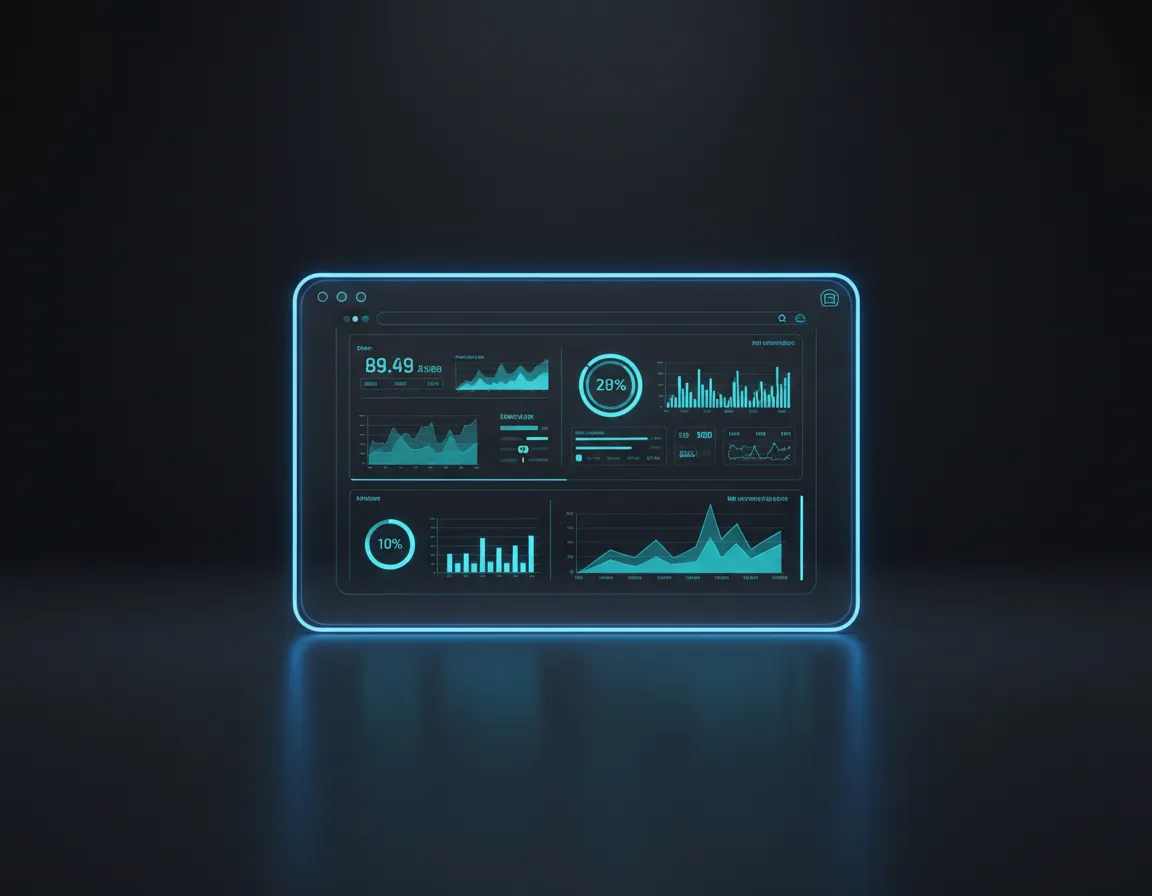
SETUP PROCESS
Five Steps To Integration
Follow this sequence to fully initialize your diagnostic engine. Full API documentation is available for advanced configurations.
Access Dashboard
Log into your RevBay account and navigate to the integration portal to begin the setup sequence.
Connect Workspace
Authenticate your primary workspace to allow seamless data syncing and diagnostic monitoring.
Add Diagnostic Widget
Embed the provided script tag into your application's header to enable real-time telemetry.
Customize Branding
Align the diagnostic interfaces with your brand language by configuring the theming options.
Test AI Flow
Run the initial diagnostic sequence to verify that the AI models are receiving telemetry data correctly.
Rapid Resolution Terminal
Bypass standard queues. Resolve integration hurdles instantly or connect directly with our diagnostic engineering team.
Common Quick Fixes
Widget Not Rendering on Live Site?
Ensure the script snippet is placed right before the closing